Find an earlier bill
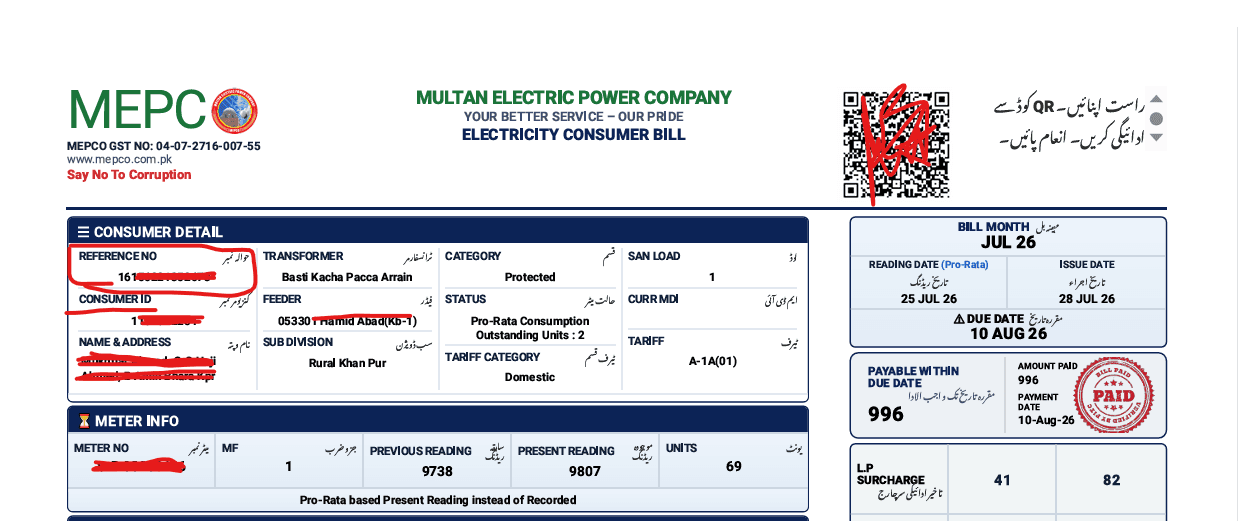
Use a paper bill or a saved copy to identify the Reference No. or Customer ID shown for your connection. Keep any leading zeroes.
Open the PITC-hosted MEPCO bill portal to search using the Reference No. or Customer ID shown on your bill. PITC provides the bill result; this independent guide does not retrieve or verify account information.
Independent, not affiliated with MEPCO
Use the link to the official PITC portal below. Check the consumer details and amount on the official bill before paying.
PITC provides the MEPCO bill search. Open its portal, choose Reference No. or Customer ID, and enter the number printed on your bill.
Continue to PITC bill searchThis independent site does not issue bills or collect your reference number, CNIC, or payment details. The lookup and bill are provided by PITC.
Bill tools
Quick Guide
Lost your paper bill, or it just hasn't arrived yet? This is the whole process, start to finish.
Use a paper bill or a saved copy to identify the Reference No. or Customer ID shown for your connection. Keep any leading zeroes.
Choose the matching search option on PITC's official MEPCO Web Bill form and follow its current instructions. Do not enter your identifier on this independent site.
Confirm the consumer details, billing period, payable amount, and due date on the result. Use the official channel for bill corrections, payment status, or account help.
Finding Your Details
Look for the field labelled Reference No. on a previous bill and copy its digits carefully, including any leading zeroes. PITC's MEPCO Web Bill form asks for a 14-digit valid reference number.
The PITC form inspected for this guide offers Reference No. and Customer ID search options. Choose the matching option on the official portal; this site does not accept your identifier.
Read Your Bill Like a Pro
The total payable figure hides a lot. These four checks take under a minute and catch most billing surprises.
Before paying, check the consumer details and billing period on the official result against your own records.
When a bill changes, compare the recorded units and consumer category with your previous bill. Ask MEPCO to clarify eligibility or tariff treatment.
Compare taxes, adjustments, and previous balances as separate items. Their rules and amounts can change; use the current issued bill and official notices.
Check the due date and any amount payable after that date on your current bill rather than relying on an old bill or a general estimate.
Payment Options
Whatever's already on your phone is usually the fastest option — here's what each one actually involves.
If your provider offers utility-bill payment, select MEPCO and compare the identifier and amount with the official bill before confirming. Menus and supported services vary by provider.
Use a payment method currently listed on your bill or confirmed by MEPCO. Check the distributor and account details before authorizing a transaction.
Save the receipt or transaction reference. This guide cannot process payments or verify whether a transaction has cleared; contact your provider or MEPCO if its status is unclear.
Reduce Your Bill
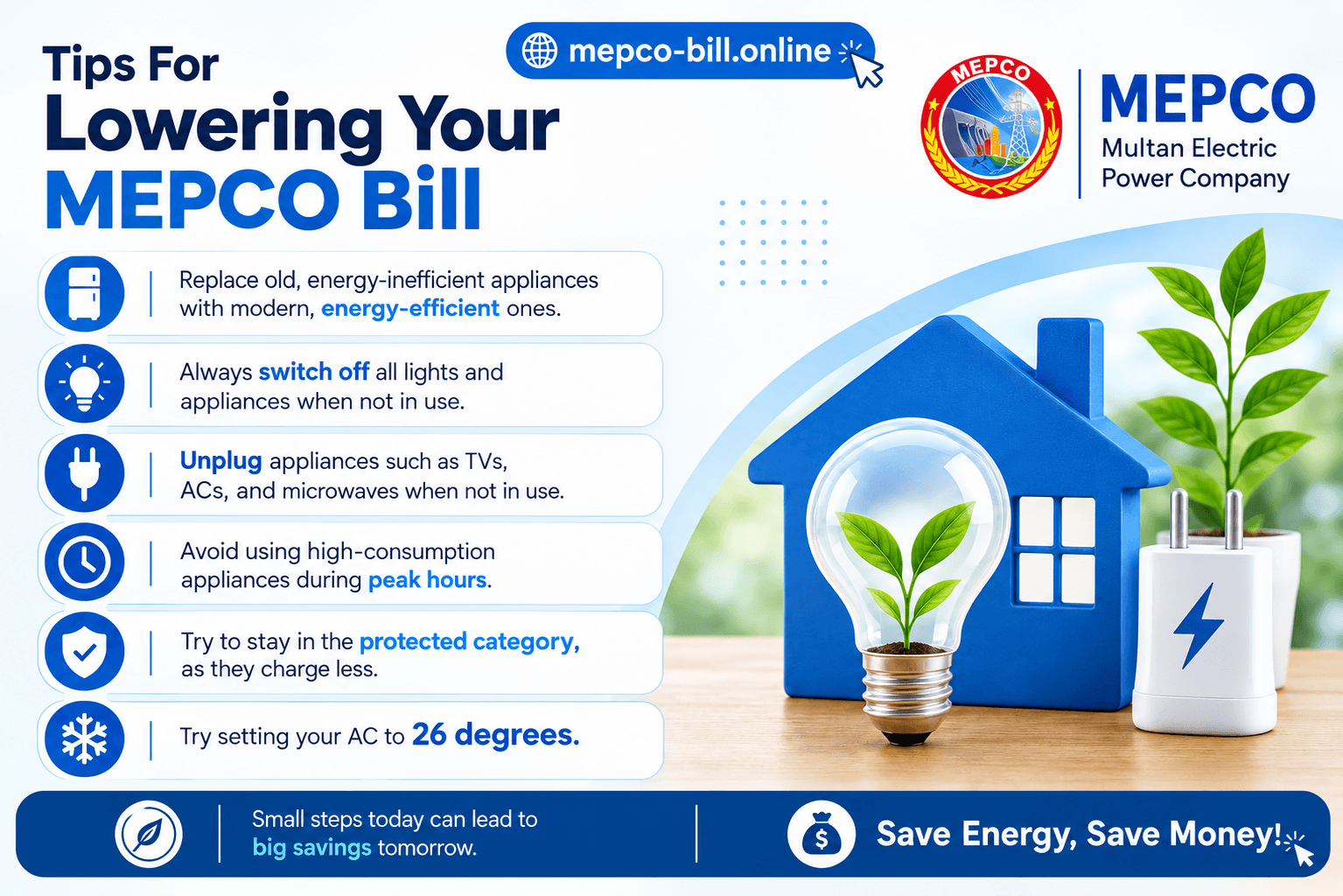
Tariffs are set by NEPRA, not by MEPCO — the one thing actually within your control is which side of the 200-unit line you land on each month.
Answers to Your Concerns
Bill amounts, due dates, and tariff rules can change. Verify account-specific details with PITC's MEPCO portal and consult current tariff notices from NEPRA. This guide cannot confirm your account or payment status.
FPA is a charge line shown on some electricity bills. Its amount and application depend on the tariff and adjustment notified for the relevant billing period. Compare the line on your issued bill with current NEPRA notices; this guide does not calculate or verify your account's charge.
Peak and off-peak rates apply only where the applicable tariff uses time-of-use billing. Check the tariff and schedule printed on your current bill or in the current official tariff notice. Do not infer your tariff from meter phase alone.
Compare the billing period and units with your previous bill, then check the consumer category, arrears, taxes, and adjustment lines on the issued bill. A change can have several causes; do not assume one unit threshold explains it. Ask MEPCO to explain a charge you cannot reconcile.
The PITC MEPCO Web Bill form inspected for this guide offers Reference No. and Customer ID search options, not a CNIC or name field. Use the identifier and instructions shown on PITC's official portal. This site never needs your CNIC, one-time password, or banking password.
Check the due date and any payable-after-due amount printed on your current bill. Late charges and payment handling depend on the rules applicable to that bill. For the amount due or a disputed charge, contact MEPCO or your payment provider; this guide cannot confirm your account status.
Availability of previous bills depends on the official billing service. The PITC portal is the place to check; this independent guide does not keep copies of bills or a bill-history database.
Open the official PITC MEPCO Web Bill portal, select Reference No. or Customer ID, and follow the instructions on its form. Keep leading zeroes when entering an identifier. The bill result is supplied by PITC, not this site.
Coverage Area
MEPCO distributes electricity across 13 districts in South Punjab. The reference-number lookup above works the same way regardless of which of these you're in.
Transparency Notice
mepco-bill.online is an independent guide and is not affiliated with MEPCO, PITC, WAPDA, or NEPRA. Bill lookups are provided by PITC's MEPCO Web Bill portal. For current tariff rules, consult NEPRA; for bill corrections, payment status, or account issues, contact MEPCO through its official channels. We cannot access or change consumer records.